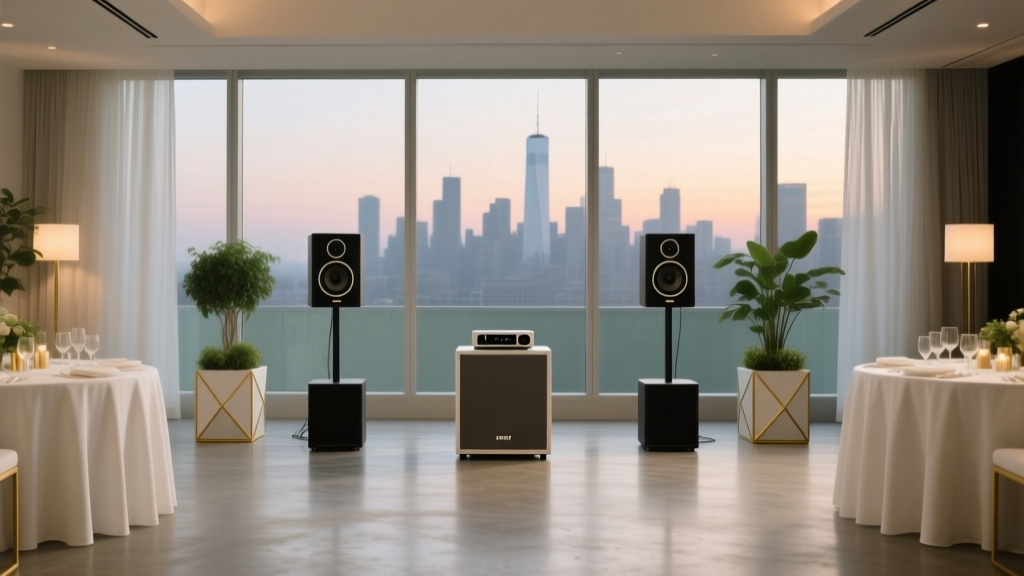
How to Style Speakers for Corporate Events
Speakers are the face of your corporate event—whether it’s a keynote at an annual meeting, a panel at a leadership summit, or a product launch that needs serious energy. The way you style the speaker area instantly signals “polished and professional” (or… not). And the best part? You don’t need a Hollywood budget to make the stage, podium, and photo angles look high-end. You just need the right event supplies, smart decoration choices, and a setup plan that supports both visuals and sound.
Great speaker styling is equal parts branding, comfort, and camera-readiness. Guests remember what the stage looked like in photos and what the speaker felt like up there—confident, well-lit, and supported by a clean setup. That’s why the supplies matter: backdrops, lighting, staging, signage, and small details (like water stations and mic stands) aren’t “extras.” They’re your secret weapon for a corporate event that feels intentional.
Let’s make your speaker setup look modern, on-brand, and totally event-ready—with product recommendations, budget-friendly alternatives, and practical quantity guidelines you can actually use.
Start with the Speaker “Zone”: Your Stage, Your Brand, Your Photos
Think of the speaker area as a styled “set.” It should frame your presenters, spotlight your brand, and stay uncluttered. Whether you have a full stage or a simple front-of-room setup, your goal is the same: a clean focal point that looks great from the back of the room and on camera.
The 5 Must-Have Elements for a Polished Speaker Setup
- Backdrop: defines the stage and keeps photos looking cohesive
- Lighting: makes speakers look sharp and professional (and prevents “shadow face”)
- Branded signage: communicates the event name/company and elevates credibility
- Stage/podium styling: covers cords, hides clutter, and frames the speaker
- Comfort + function: water, timers, clickers, mic setup, and a place to stash notes
Backdrops That Instantly Upgrade Corporate Speaker Photos
Backdrops are one of the highest-impact corporate event decorations because they turn “hotel conference room” into “intentional event space.” They also help your photographer (or phone cameras) capture clean, brand-forward images.
Product Picks: Backdrops & Supports
-
Adjustable backdrop stand kit (8–10 ft wide)
Price range: $35–$120
Where to buy: Amazon, B&H Photo, party supply retailers, ULINE (for sturdier options) -
Tension fabric backdrop (step-and-repeat style)
Price range: $180–$650 (size + printing impacts cost)
Where to buy: Vistaprint, Signs.com, local print shops, FedEx Office -
Pipe-and-drape kit (professional event drape)
Price range: $450–$2,000+ (or rent for $150–$500/day depending on size)
Where to buy: Event rental companies, AV vendors, specialty suppliers -
Backdrop curtains (black, navy, or brand color)
Price range: $25–$90 per panel (budget-friendly option)
Where to buy: Amazon, IKEA, Target, specialty drape retailers
Backdrop Styling Tips (Corporate-Ready)
- Keep patterns subtle: Solid colors or minimal texture photograph best.
- Use matte finishes: Glossy backdrops can reflect stage lights.
- Give yourself width: For a panel, aim for 8–12 ft wide so everyone stays “inside the frame.”
- Hide cords and gear: Drape down to the floor, and tape cables behind or under rugs.
DIY Alternative
Need something fast and affordable? Use a backdrop stand + two to four curtain panels in a brand-adjacent color. Add one branded element (like a foam board logo sign) and you’ll get a clean, professional look for a fraction of custom printing.
Lighting: The #1 “Wow” Upgrade for Speakers
If you do only one upgrade, make it lighting. Great lighting makes speakers look confident, improves video quality, and makes the whole setup feel elevated. Current event trends lean toward clean, bright, natural-looking light (not harsh nightclub beams), with optional brand-color uplighting for atmosphere.
Product Picks: Speaker & Stage Lighting
-
LED uplights (battery-powered)
Price range: $40–$120 each (or rent $15–$40 each/day)
Where to buy: Amazon, Sweetwater, local AV rental companies -
Softbox or LED panel lights (for front wash)
Price range: $60–$250 per light
Where to buy: B&H Photo, Adorama, Amazon -
Ring light with stand (for smaller stages or podium)
Price range: $30–$120
Where to buy: Amazon, Best Buy -
Gaffer tape (for securing cables)
Price range: $15–$35 per roll
Where to buy: Amazon, B&H, hardware stores
Quantity Guidelines
- Small room / podium talk: 2 LED panel lights angled at 45° + 2 uplights behind the speaker zone.
- Medium stage (keynote): 2–4 front lights + 4–8 uplights.
- Large stage / big brand moment: Coordinate with an AV team; lighting packages often start around $800–$3,000+ depending on rigging and operator needs.
Podiums, Tables, and the Little Details That Look Expensive
The “stuff” around speakers is where events start to look messy—water bottles, notes, microphones, laptops, and cables. Styling these areas is about creating a clean silhouette and making everything easy for presenters.
Product Picks: Speaker Comfort + Stage Polish
-
Podium sign (foam board or PVC with logo)
Price range: $25–$150
Where to buy: Vistaprint, Signs.com, FedEx Office, local print shop -
Spandex podium cover or fitted tablecloth (black or brand color)
Price range: $20–$60
Where to buy: Amazon, TableclothsFactory, party supply stores -
Water station supplies (tray + cups + labels)
Price range: $15–$60 total (depending on style)
Where to buy: Target, Amazon, restaurant supply stores -
Stage rug (low-pile, non-slip)
Price range: $60–$250
Where to buy: IKEA, Wayfair, Home Depot -
Wireless presenter clicker
Price range: $20–$80
Where to buy: Amazon, Staples, Best Buy
Styling Tips That Make a Big Difference
- Use consistent black accessories: black mic stands, black tape, black table linens = cleaner visuals.
- Swap noisy plastic water bottles for a tray setup: a simple carafe + cups looks premium and reduces label clutter.
- Add a rug to define the speaking area: it anchors the scene and helps hide cables.
- Keep the podium top clear: provide a small side table for water and notes.
Branded Signage & Speaker Styling Trends (Modern + Timeless)
Current corporate event trends lean into clean branding, LED accents, and photo-friendly moments—but the timeless essentials still rule: readable signage, cohesive colors, and a setup that looks intentional from every angle.
Product Picks: Signage That Works Hard
-
Foam board welcome sign on easel
Price range: $30–$180
Where to buy: FedEx Office, Staples Print, Etsy (design), local print shops -
Acrylic sign holders (tabletop agendas, reserved seating)
Price range: $10–$35 each
Where to buy: Amazon, ULINE -
Vinyl decals for backdrop or stage front
Price range: $15–$120
Where to buy: Etsy, local sign makers, online vinyl printers -
LED neon-style sign (company name or event tagline)
Price range: $120–$600
Where to buy: Etsy, specialty LED sign shops, local fabricators
Quick Color Palette Ideas (Corporate-Friendly)
- Classic: black + white + metallic gold (timeless, reads premium)
- Modern: charcoal + cool white + one bold accent (cobalt, teal, or magenta)
- Eco-chic trend: neutral linens + warm lighting + greenery (great for HR, wellness, and leadership events)
Step-by-Step Setup Plan (So Styling Doesn’t Turn Into Chaos)
1) Map the Sightlines
- Stand at the back row and check: can guests see the speaker’s face and screen clearly?
- Keep the backdrop centered behind the speaker zone—not behind the screen.
2) Build the Base Layer
- Install backdrop (drape or fabric).
- Add stage rug or define the speaking zone with flooring tape (hidden under rug edges).
- Place podium and any side tables.
3) Add Lighting and Cable Management
- Set front lights at 45° angles (left and right) for flattering shadows.
- Use uplights behind the speaker zone for depth and brand color.
- Secure every cable with gaffer tape (no duct tape—ever).
4) Style the Details
- Put water and cups on a tray (label discreetly).
- Add a small branded podium sign or logo panel.
- Ensure microphones, clickers, and timers are staged and tested.
5) Do a “Speaker Walkthrough”
- Have someone stand at the podium and test: mic height, lighting, slide clicker range, and comfort.
- Snap a quick phone photo from three angles (center, left aisle, right aisle). Adjust anything distracting.
Budget Ranges (Realistic Planning Numbers)
- Budget-friendly ($150–$500): backdrop stand + curtains, 2 basic LED lights, gaffer tape, printed foam board logo
- Mid-range ($500–$2,000): tension fabric backdrop, 4 uplights, 2–4 quality LED panels, upgraded signage, stage rug
- Premium ($2,000–$8,000+): pipe-and-drape, full lighting package, custom scenic elements, professional AV support, high-end signage
Common Mistakes to Avoid When Choosing Corporate Event Supplies
- Choosing shiny backdrops: glare on camera can ruin your photos and video.
- Underestimating lighting: “The room lights are fine” usually turns into flat, shadowy speaker photos.
- Using the wrong tape: duct tape leaves residue and looks messy; use gaffer tape for professional cable management.
- Cluttering the podium: too many signs, flowers, or props distract from the speaker and can block microphones.
- Forgetting the speaker’s comfort: no water, awkward mic placement, or no place for notes adds stress fast.
- Ignoring brand consistency: mix-and-match colors and fonts make the event feel less credible.
FAQ: Styling Speakers for Corporate Events
How wide should a speaker backdrop be?
For a single speaker, 8 ft wide usually works. For panels or wider stages, aim for 10–20 ft depending on how many people will be on stage and how much movement you expect.
What’s the easiest way to make a corporate stage look more expensive?
Add good lighting (front wash + uplights) and a clean backdrop. Those two changes have the biggest impact on photos, video, and overall vibe.
Do I need a podium, or is a mic stand better?
It depends on the speaker style. A podium helps nervous speakers feel grounded and gives a place for notes. A mic stand feels modern and open for confident presenters. Many events keep both available so speakers can choose.
How many uplights do I need?
For a typical corporate speaker area, 4 uplights is a great starting point. Use 2–4 for small spaces, 6–8 for medium stages, and more for large setups or dramatic brand color effects.
What’s a smart DIY alternative to a custom printed backdrop?
Use a backdrop stand + solid curtains in a brand color, then add a printed foam board logo on an easel or attached to the podium front. It looks clean, photographs well, and costs far less than full-size custom printing.
Your Next Steps: A Simple Speaker Styling Checklist
- Pick a color palette that matches your brand and venue (2 neutrals + 1 accent).
- Choose a backdrop solution (curtains, fabric, or pipe-and-drape) sized for your stage.
- Plan lighting (2 front lights minimum + uplights for depth).
- Order signage (podium logo, welcome sign, agenda signs) with consistent fonts.
- Gather essentials: gaffer tape, power strips, extension cords, clicker, water tray setup.
- Do a photo test from the audience and adjust before guests arrive.
Speakers deserve a setup that makes them look confident, sound great, and feel supported—and your event deserves visuals that shine in every recap post and company slideshow. For more party planning tips, corporate event decorations, and must-have event supplies, explore fresh ideas and smart picks on smartpartyprep.com.
More Articles
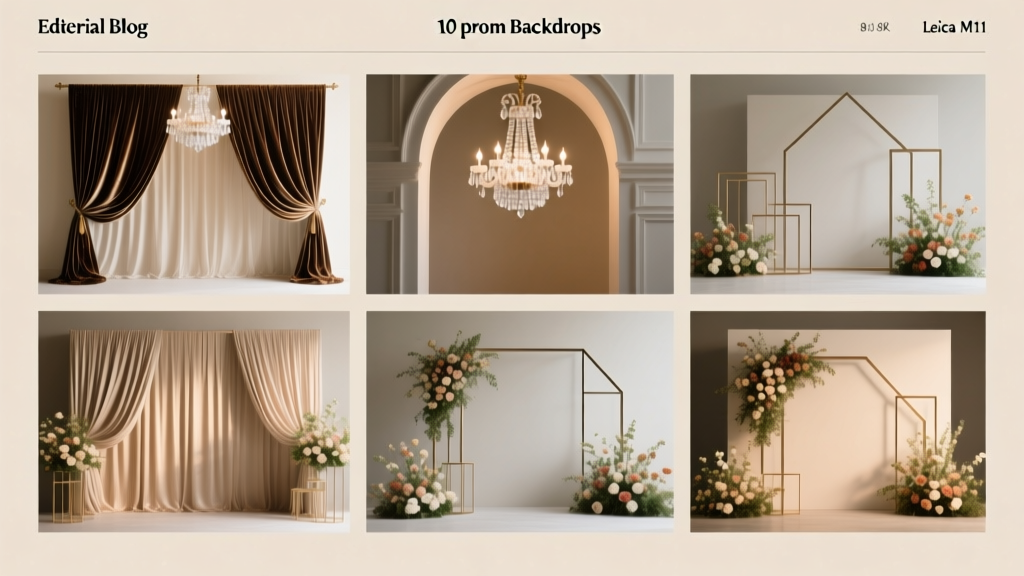 Top 10 Backdrops for Prom
What Is Party Cut Pizza Little Caesars? The Truth Behind the Square Slices Everyone’s Grabbing for Game Day — And Why It’s Actually the Smartest Crowd-Friendly Choice You’re Overlooking
What Is in a Party Popper? The Truth About Confetti, Chemicals, and Safety Risks Most Hosts Overlook (2024 Updated)
Are All Party City Stores Closed? The Truth About What’s Still Open, Where to Shop Now, and How to Get Party Supplies Without Paying 3x More Online
Top 10 Backdrops for Prom
What Is Party Cut Pizza Little Caesars? The Truth Behind the Square Slices Everyone’s Grabbing for Game Day — And Why It’s Actually the Smartest Crowd-Friendly Choice You’re Overlooking
What Is in a Party Popper? The Truth About Confetti, Chemicals, and Safety Risks Most Hosts Overlook (2024 Updated)
Are All Party City Stores Closed? The Truth About What’s Still Open, Where to Shop Now, and How to Get Party Supplies Without Paying 3x More Online
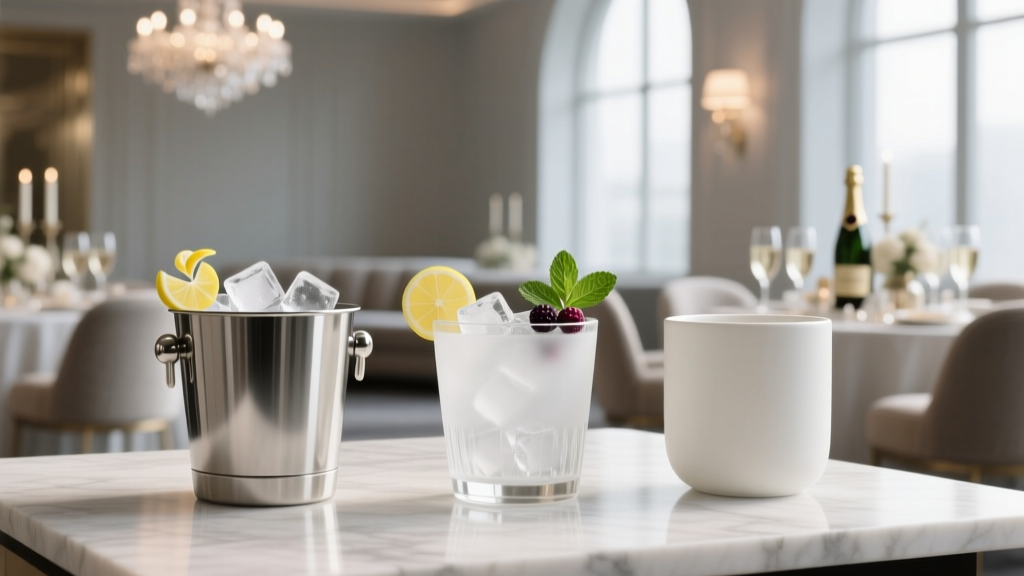 How to Choose Ice Buckets for Your Corporate Events
Where Is a Party City Near Me? Here’s How to Find the Closest Store in Under 60 Seconds (Plus Real-Time Stock Checks & Hidden Savings You’re Missing)
Where the Wild Things Are Party Supplies: The Only 7-Step Checklist You’ll Need to Source Authentic, Budget-Friendly, & Instagram-Ready Decor—Without Wasting Hours Scrolling or Overpaying for Low-Quality Prints
How to Choose Ice Buckets for Your Corporate Events
Where Is a Party City Near Me? Here’s How to Find the Closest Store in Under 60 Seconds (Plus Real-Time Stock Checks & Hidden Savings You’re Missing)
Where the Wild Things Are Party Supplies: The Only 7-Step Checklist You’ll Need to Source Authentic, Budget-Friendly, & Instagram-Ready Decor—Without Wasting Hours Scrolling or Overpaying for Low-Quality Prints